Most e-commerce platforms weren't built for small farms or cottage bakers. They charge $30 to $80 a month in subscription fees—or take 5% to 15% of every loaf of bread you sell—and assume you're shipping boxes from a warehouse rather than coordinating Saturday porch pickups or farmstand drops.
The roadside.market Storefront is built from the ground up for local growers, homesteaders, and cottage food producers. There are no monthly subscriptions and a 0% percentage take rate—just a transparent, flat 10 cents ($0.10) per order.
1. Activate Your Storefront & Choose Your Channels
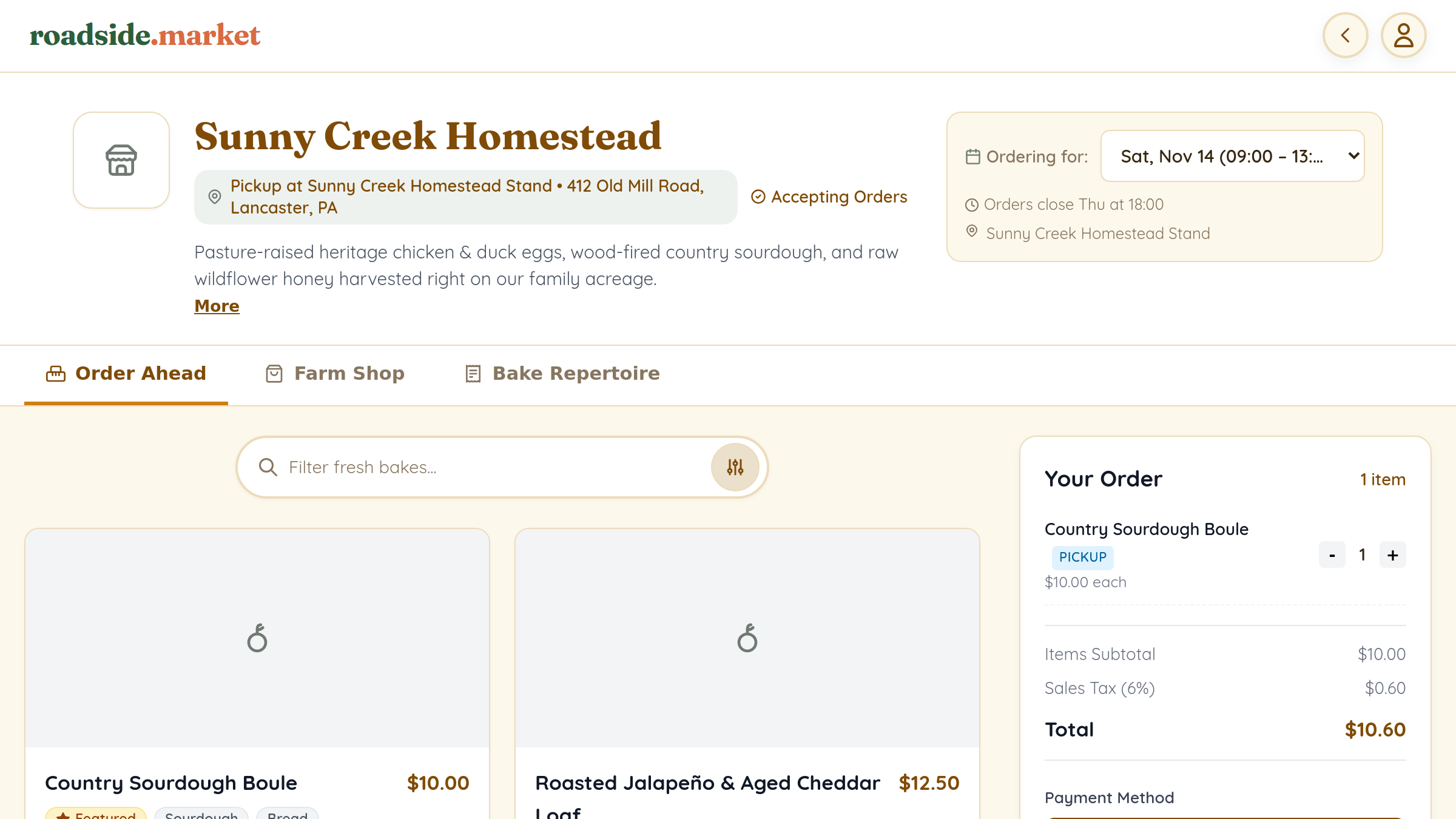
Open your Business Manager and go to Settings → Shop. Once you flip the Storefront Active (Master Switch), you can enable any combination of three customer-facing tabs:
- Order Ahead (Bake Drops & Pre-Orders): For fresh bakes, harvest boxes, and perishable drops linked to pickup windows. You can even customize the tab label (e.g., "Bake Drops" or "Harvest Pre-Orders").
- Shop (Merchandise & Stocked Goods): For shelf-stable pantry items, raw honey, merch, seeds, and starter kits that customers can order anytime for curbside pickup or home shipping.
- Library (Full Item Repertoire): Let customers browse your entire catalog of seasonal creations—even items not in this week's drop.
2. Building Your Product Catalog

Under Shop → Items, click + Add Product to customize every detail of how your item is sold:
- Inventory & Stock Tracking: Have a strict limit of 20 boules in your oven or 15 bouquets from the garden? Turn on Track Available Stock Limit so the item automatically marks itself Sold Out when the last one is claimed.
- Drop-Only vs. Evergreen Visibility: Mark seasonal items as Drop-Only so they only appear when included in an active schedule, or leave them evergreen for year-round ordering.
- Featured & Unlisted Items: Pin your signature item to the top of your storefront, or mark private items as Unlisted so they can only be purchased via a direct link.
- Split Fulfillment (Pickup & Shipping): Configure each product as Pickup Only, Shipping Only, or Pickup & Shipping. If a customer puts fresh Saturday bread and a shipped farm t-shirt in the same bag, checkout automatically handles split fulfillment!
3. Reusable Option Sets & Price Modifiers

Instead of creating four separate products for Unsliced Sourdough, Thick-Sliced Sourdough, Regular Loaf, and Mini Loaf, switch to the Option Sets subtab under Shop → Items:
- Choose Single Choice (Radio) or Multiple Choices (Checkboxes) and mark whether a selection is required.
- Add choices with positive (+), negative (-), or $0.00 price adjustments (e.g., "Pre-Sliced (+$1.00)" or "Half Dozen (-$2.50)").
- Attach your Option Set to any product in one click!
4. Pay What You Want (PWYW), Subscriptions & Bundles
- Pay What You Want (Sliding Scale): Enable PWYW on any item to set a suggested default price alongside a minimum floor price—great for community-supported loaves or sliding-scale harvest shares.
- Recurring Subscriptions: Turn on recurring billing intervals (Weekly, Every 2 Weeks, Monthly, Quarterly, 6 Months, or Yearly) to run a recurring CSA box, weekly coffee roast, or monthly flower club.
- Product Bundles: Set the fulfillment type to Bundle to package multiple catalog items together while automatically decrementing each child item's stock.
Next Step: Set Up Your Pickup Schedules
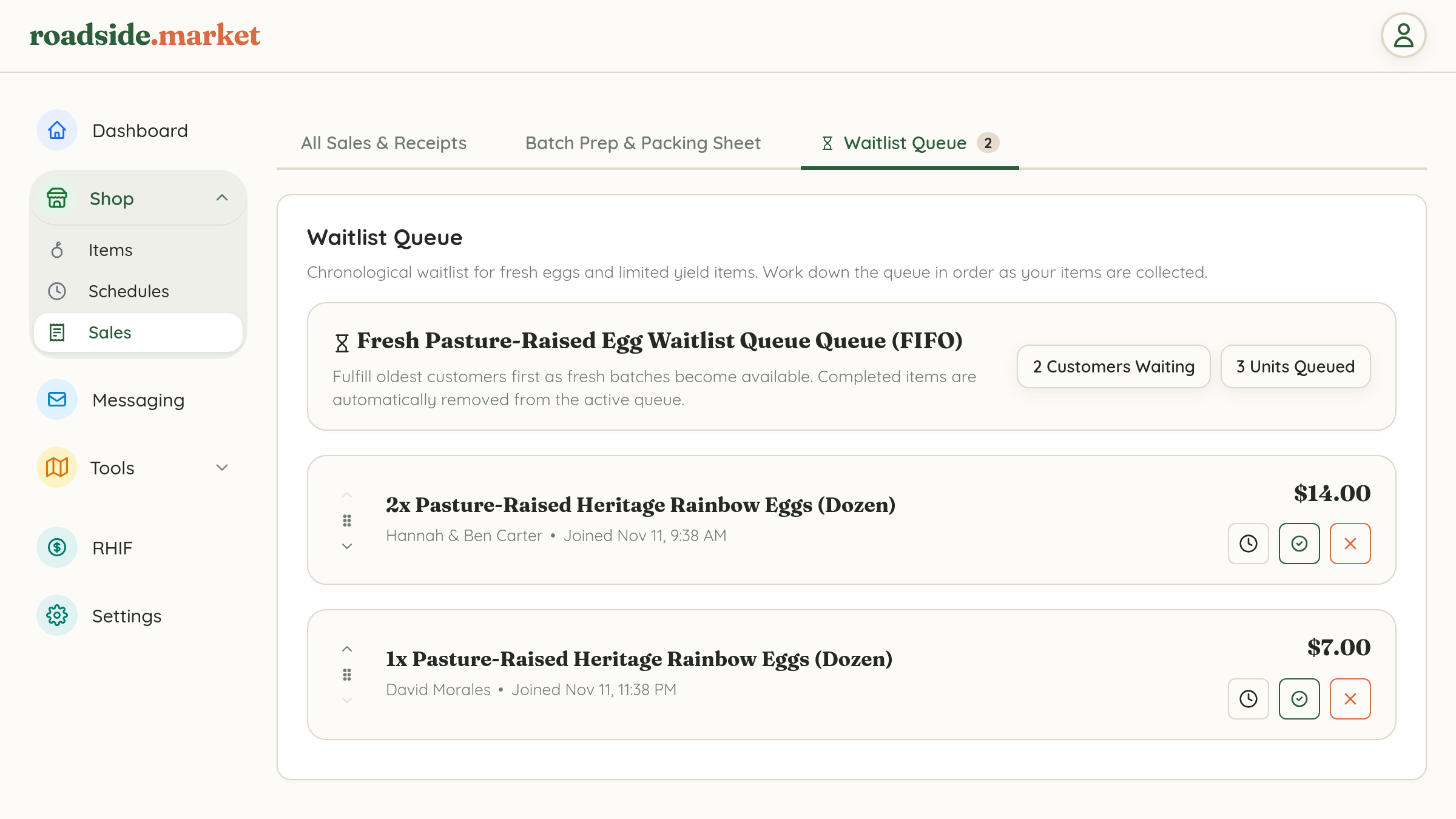
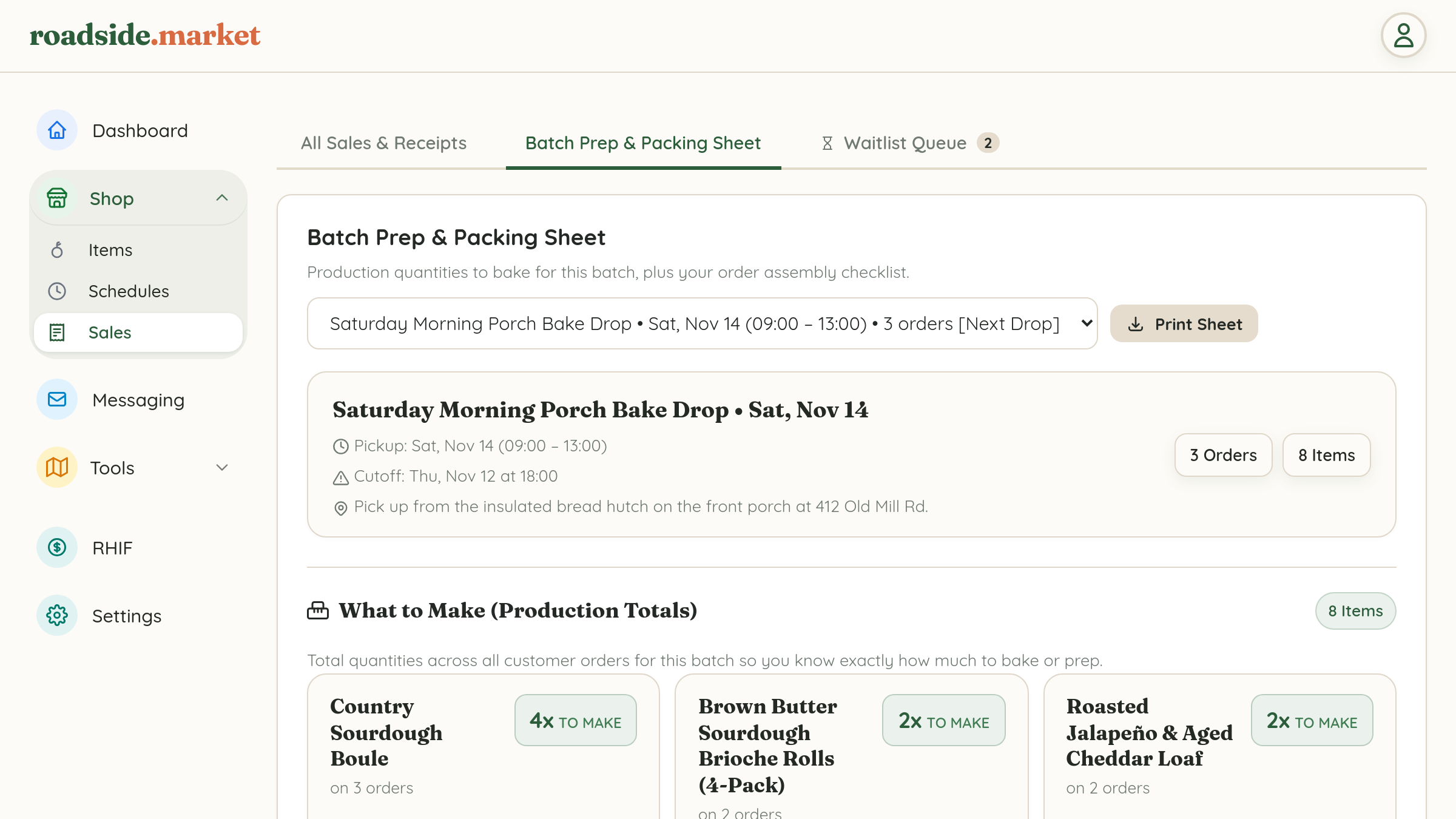
Once your products are in your catalog, learn how to configure Weekly Bake Drops & Pickup Schedules or Egg Waitlist Queues.
Open Business Manager →