When neighbors discover your farmstand on roadside.market, they often have a quick question before they hop in the car: "Do you still have any canning tomatoes left for this afternoon?", "Can I reserve three dozen duck eggs for Saturday?", or "Do you sell bulk wildflower honey for wedding favors?"
Many homesteaders hesitate to post their personal cell phone number or private email address on a public roadside sign. That's why we built Buyer Inquiries & Messaging directly into the Business Manager—giving shoppers a friendly contact form on your stand card while keeping your personal contact details private.
What Buyer Messaging Unlocks
- A "Contact Stand" Button on Your Map Card: Right next to the Calculator button inside your stand's detail drawer, shoppers see a clean Contact Stand button.
- Custom Domain Contact Button: If you use a Custom Domain or business map view, a floating Contact icon appears in the top-left corner of your map for instant inquiries.
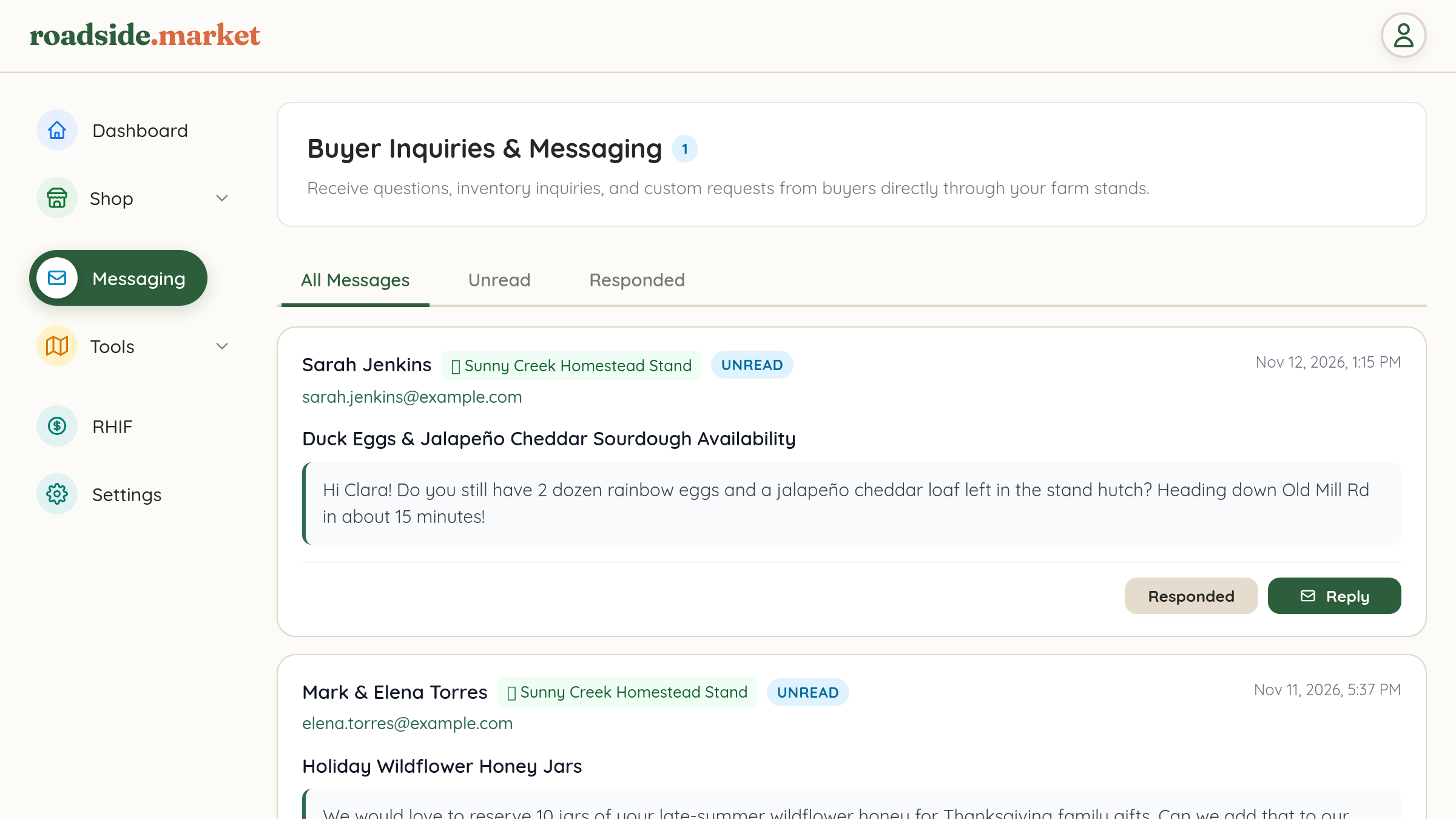
- Encrypted Delivery & Unread Badges: Customer submissions are encrypted in transit and stored in your centralized Business Manager inbox with an unread counter badge so you never miss a lead.
How to Enable Buyer Messaging

- Open your Business Manager and click Messaging in the left navigation bar.
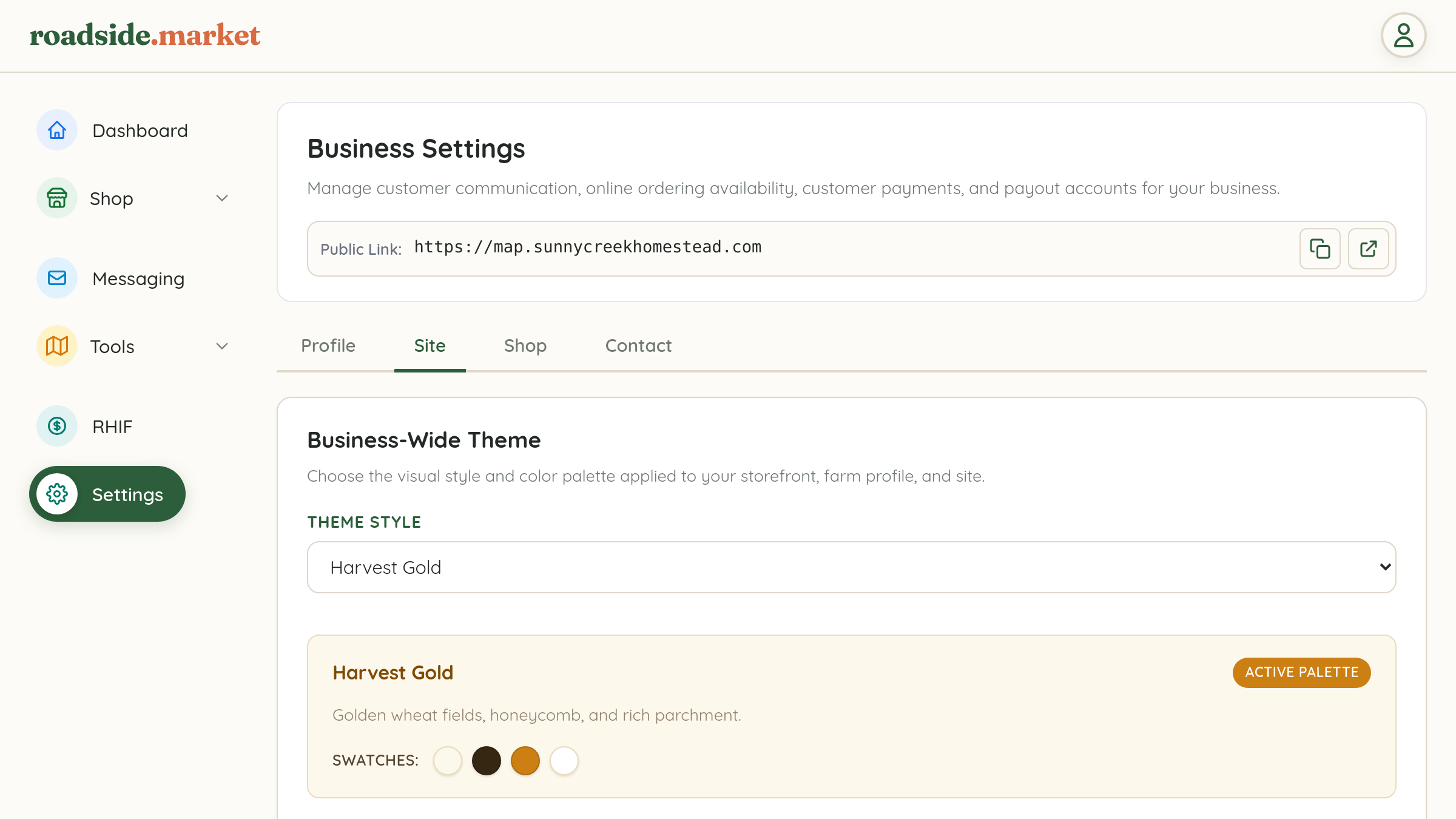
- If messaging isn't enabled yet, simply click the green "Turn On Messaging Now" button (or toggle it under Settings → Contact).
- Your stand cards will immediately display the Contact Stand button to visitors.
Organizing Your Inbox
Inside the Messaging panel of your Business Manager, you can switch between three clean subtabs:
- All Messages: Your complete chronological history of customer questions and custom order inquiries.
- Unread: New inquiries that need your attention.
- Responded: Inquiries you've already followed up on and marked as handled.
Whether you're coordinating a bulk bushel of pickling cucumbers or answering allergen questions about your cottage sourdough, Buyer Messaging keeps all your farmstand communication organized in one place—and it's 100% free with your claimed stand.