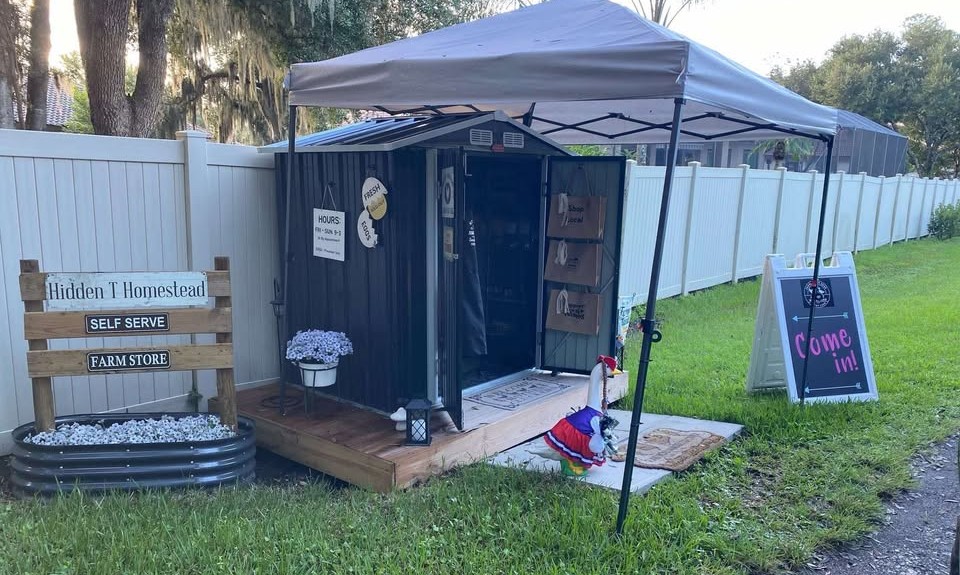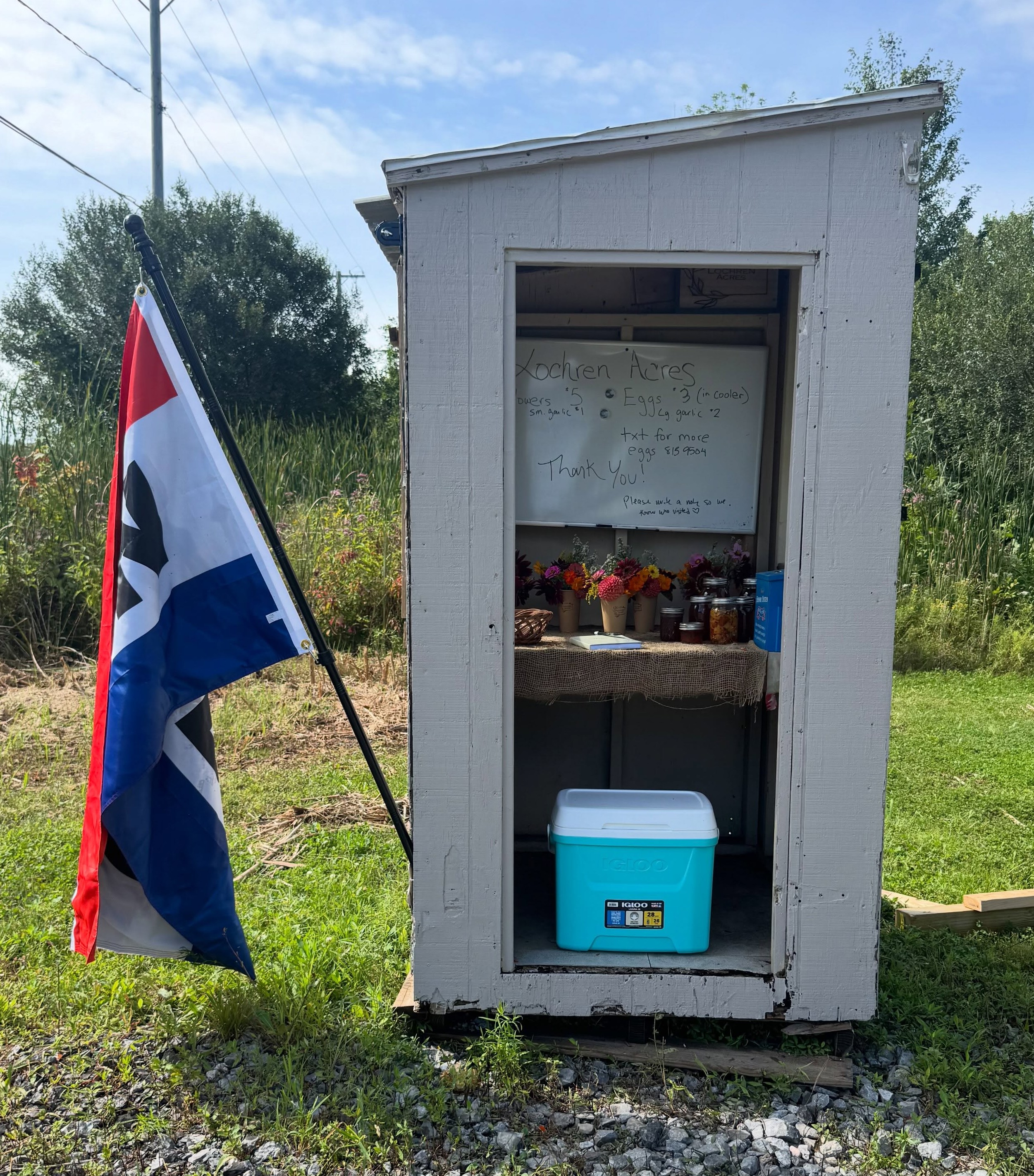
One of the biggest frustrations for roadside stand shoppers is driving fifteen minutes down a country road hoping for fresh sweet corn or Saturday cinnamon rolls, only to find an empty table and a flipped sign. Conversely, for stand owners, nothing beats the feeling of putting out warm loaves or freshly washed eggs and having neighbors show up while everything is at peak freshness.
Social media algorithms often bury your "We're restocked!" post until two days later. That's why roadside.market includes a real-time, location-based Announcements & Alerts Feed built specifically for local farmstands.
How the Local Alerts Feed Works
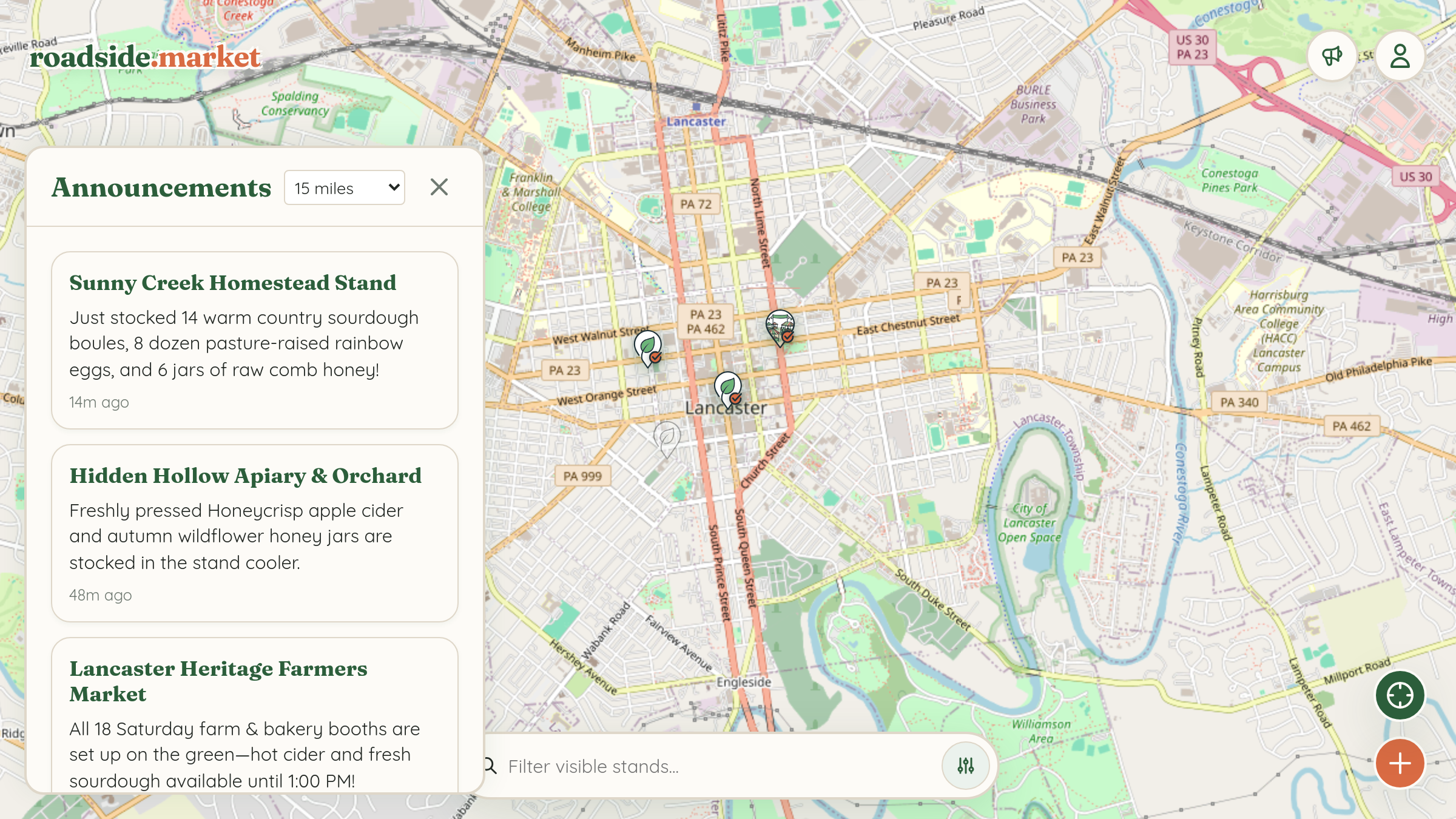
At the top right of the roadside.market map (right next to the User Menu), shoppers see a Megaphone (Alerts Feed) button:
- Whenever a stand within 15 miles posts a new update in the last 24 hours, the megaphone button pulses to let local shoppers know fresh goods were just announced nearby.
- Shoppers can filter the feed by distance (e.g., within 5 miles, 15 miles, 30 miles, or all stands) and see exact mileage and timestamps (like "2.4 mi away • 12m ago").
- Tapping any update card in the feed flies the map straight to that farmstand and opens its detail drawer.
Step-by-Step: Posting a Restock Update

- Make sure you are signed in to the account that claimed your stand.
- Tap your stand's pin on the map to open its details drawer.
- Scroll down to the Announcements section, where you'll see the owner-only "Post a New Update" box.
- Type your update (up to 500 characters)—for example: "Morning harvest is out! 12 pints of Sungold cherry tomatoes, 4 bouquets of zinnias, and 8 dozen chicken eggs in the cooler."
- Click Publish Update. Your announcement is live immediately!
Managing Your Daily Status: "Close for Today" & Seasonal Dates
Life on a homestead doesn't always follow a rigid 9-to-5 clock. Roadside.market gives you three layers of schedule control so your customers always know when to visit:
- Weekly Operating Hours: Set your standard days and hours (e.g., Wed–Sun, 8:00 AM – 6:00 PM) when editing your stand details.
- Seasonal Operating Window: Only open from May through October? Set your Season Start and Season End dates in the stand editor. Outside those dates, your card automatically displays a "Closed for the Season" badge so winter travelers aren't confused.
- 1-Tap "Close for Today" Override: Sold out of everything by 11:30 AM, or pulling the table inside ahead of a thunderstorm? Right inside your Post a New Update box on your stand card, tap Close for Today. Your stand immediately displays a "Temporarily Closed for Today" banner—and you can tap Reopen Stand whenever you restock!