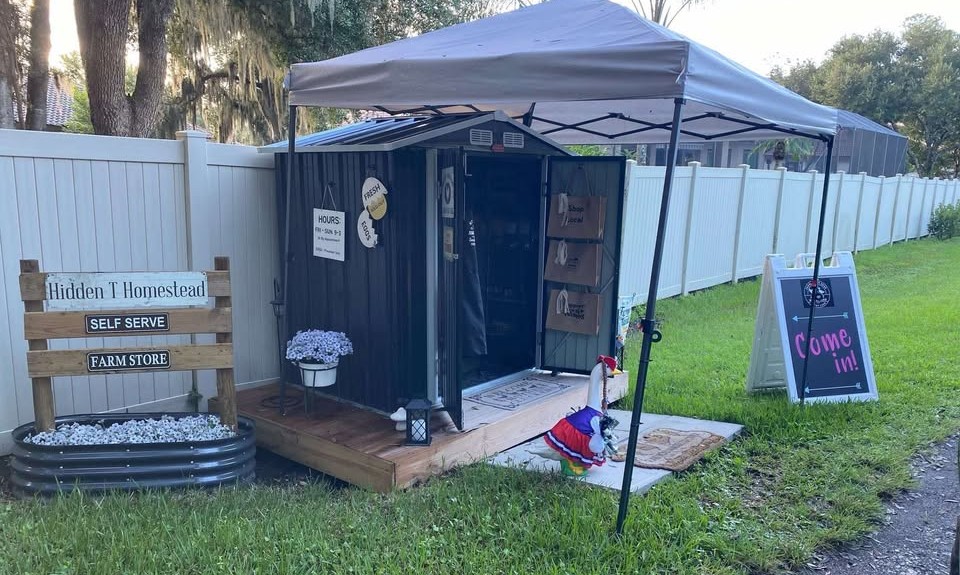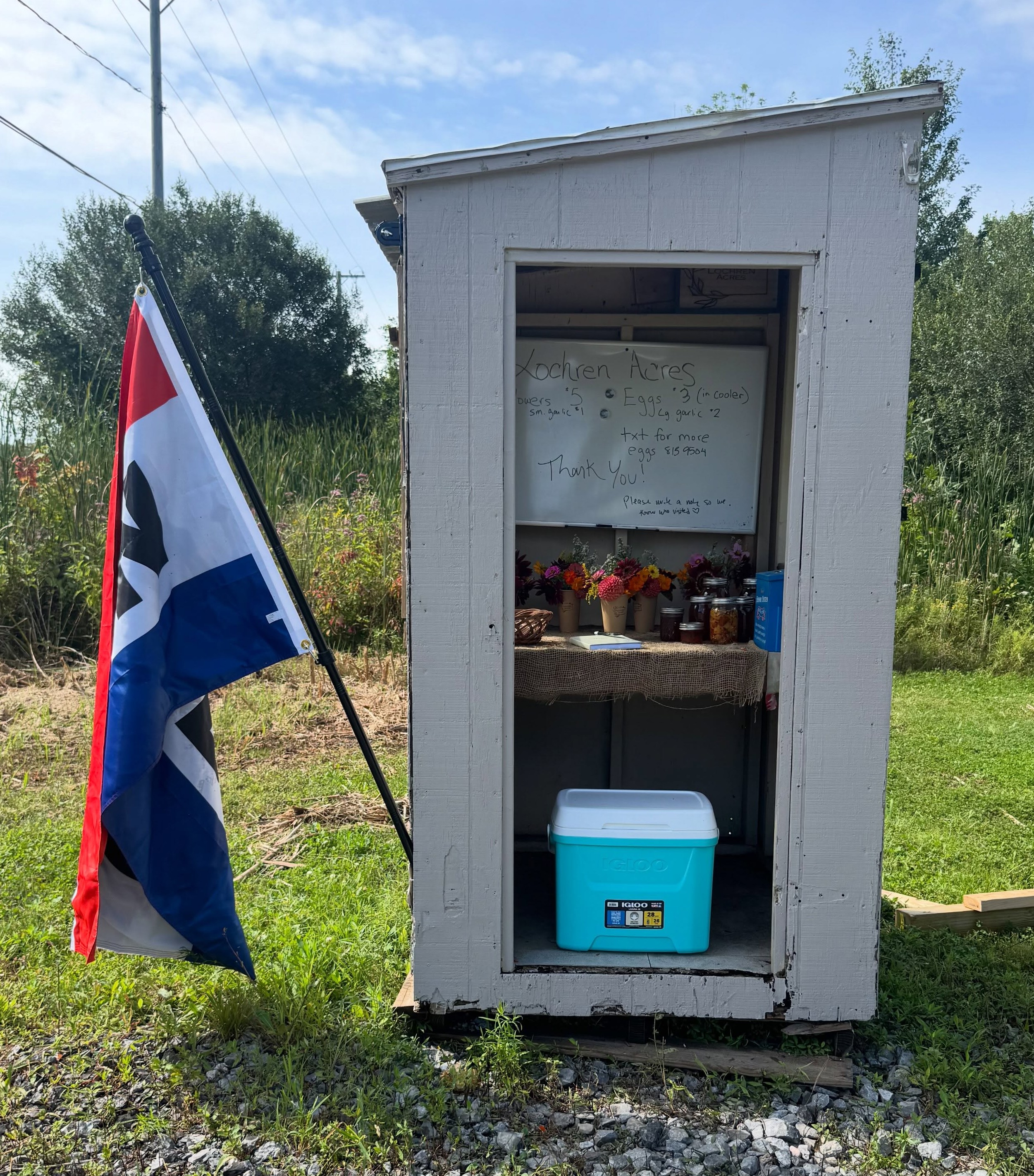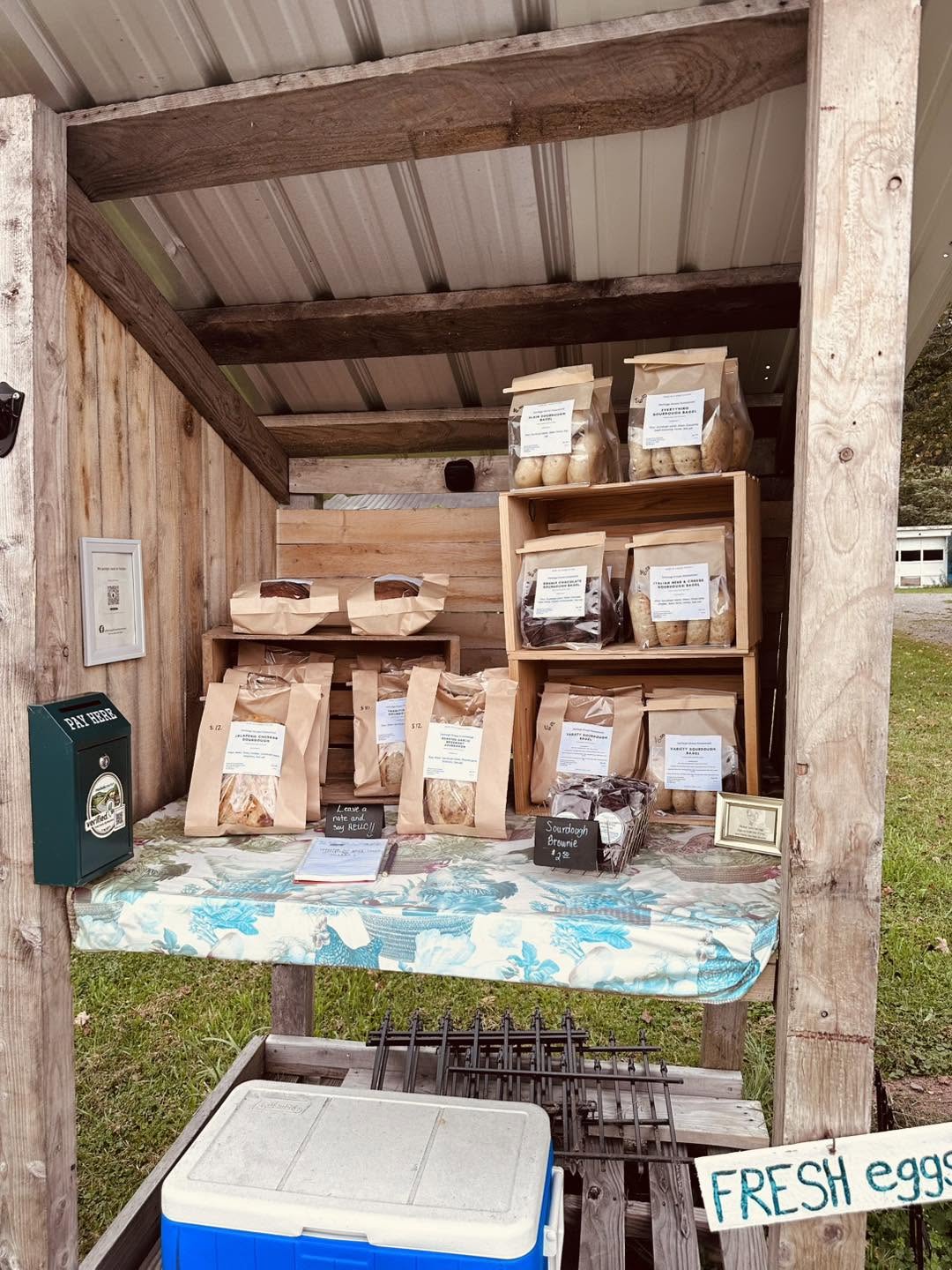
When you replace part of your weekly supermarket trip with local roadside stands, Saturday morning becomes a loop: first the pasture-raised egg stand on County Road 4, then the cottage bakery for two loaves of sourdough, then the orchard stand for honeycrisp apples and raw cider.
Instead of looking up each stand one by one while sitting in your car, the free Trip Planner on roadside.market lets you build, reorder, and navigate multi-stop driving itineraries in seconds.
Two Ways to Add Stands to a Trip
- Quick-Add From Any Stand Card: Whenever you're viewing a farmstand on the map, look at the top-right corner of the stand drawer right next to the Favorite heart icon. Tap the Add to Trip icon to either create a new trip on the spot or add that stand to one of your existing trips!
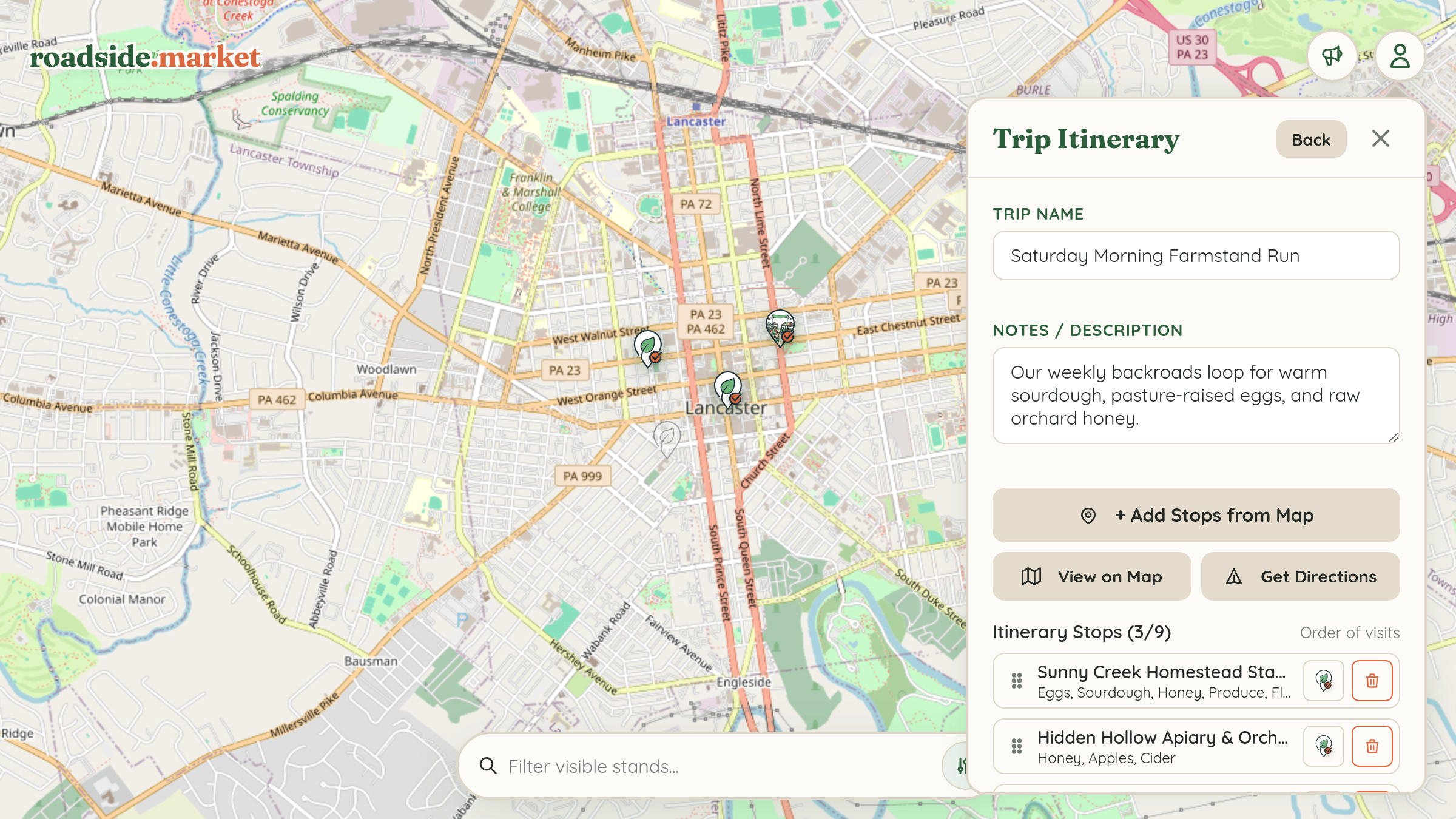
- Visual Map Pick Mode: Open the User Menu, select My Trips, and open any trip in the Trip Builder. Tap "+ Add Stops from Map" to enter Pick Mode—then simply tap pins right on the map to add or remove them from your loop.
Drag-and-Drop Reordering & Route Preview

Inside the Trip Builder drawer, you can add optional route notes (like "Bring cooler and $20 in $5 bills") and organize up to 9 stops:
- Drag to Reorder: Use the grip handle on the left of each stop to drag your stands into the most efficient driving sequence.
- View on Map: Tap View on Map to isolate your trip stops on the roadside.market map and see the connecting route line.
1-Tap Multi-Stop Google Maps Directions
Ready to hit the road? Tap the Get Directions button on your trip card or inside the Trip Builder. Roadside.market automatically compiles the GPS coordinates of every stop in your exact custom order and launches a multi-waypoint turn-by-turn route directly in Google Maps on your phone!